01
Speak & translate
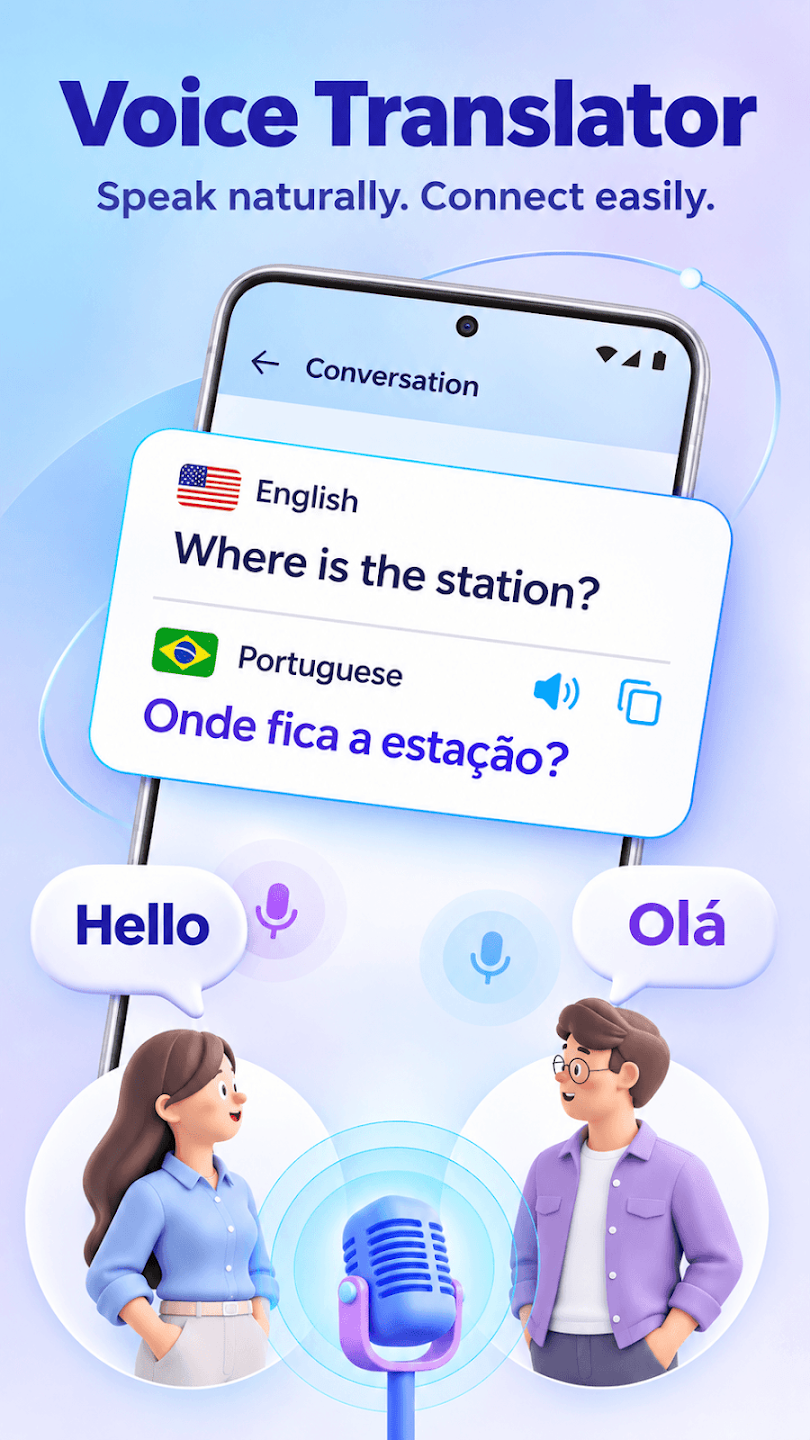
Choose your languages, tap the microphone and say a phrase. Read the translated text for directions, practice or everyday conversations.
FOR THE WORDS YOU SAYEVERYDAY TRANSLATION. A NEW HOME SCREEN.
Speak a phrase. Read a sign. Find the words.
Voice Translator: Speak & Chat brings voice, text and photo translation to an Android launcher.
Free to use · Contains ads · Android 9+
Also a home screen replacement. See how it works.
01 / THE EVERYDAY TOOLKIT
From a quick question to an unfamiliar menu, choose the translation tool that fits the moment.
Choose your languages, tap the microphone and say a phrase. Read the translated text for directions, practice or everyday conversations.
FOR THE WORDS YOU SAYTranslate text you enter or paste. Check a word, make sense of a short message or prepare a phrase before you speak.
FOR THE WORDS YOU READUse your camera or select a photo to recognize and translate visible text on menus, signs and printed pages.
FOR THE WORDS YOU SEEHear supported translations aloud and take turns submitting phrases in a conversation. Translation starts with the speech you choose to share.
KEEP THE CONVERSATION GOINGSelect a source and a target language for your translation. Language, recognition and audio support depend on your device and service.
MAKE A CONNECTIONBrowse installed apps, search by name and open what you need. Arrange shortcuts and folders with the built-in Android launcher.
EVERYDAY APPS, WITHIN REACH02 / FROM A THOUGHT TO A PHRASE
Open a translation tool from your launcher and start with the words in front of you.
Choose the language you are translating from and the language you want to translate into.
Enter or paste text, tap the microphone and speak, or capture text with your camera or a photo.
Review the translated text and use audio playback where supported. Double-check important information.
03 / MORE THAN TRANSLATION
Voice Translator: Speak & Chat is an Android home screen replacement. Choose it as your default Home app through the Android system prompt to use its launcher experience.
Browse and search your apps, organize shortcuts and folders, and keep your translation tools close at hand.
You can switch back to your system launcher or another Home app at any time: Android Settings → Apps → Default apps → Home app. Menu names vary by device.
04 / A LOOK INSIDE
Explore all four previews from Google Play.
Select an image for a closer look.
Microphone access supports voice input when you start it. Camera access supports photo translation. The app does not automatically translate phone calls or messages in other apps.
Online translation may send the text, speech or images you submit to the service providers handling your request. See the Privacy Policy for details. The app is free to use and contains ads.
Machine translations can contain errors. Check important information before relying on it. Photo results depend on clarity, lighting, language and service; language, recognition and playback support vary by device and service.
YOUR NEXT CONVERSATION STARTS HERE.
Voice, text, photos. And a home screen to bring it together.